
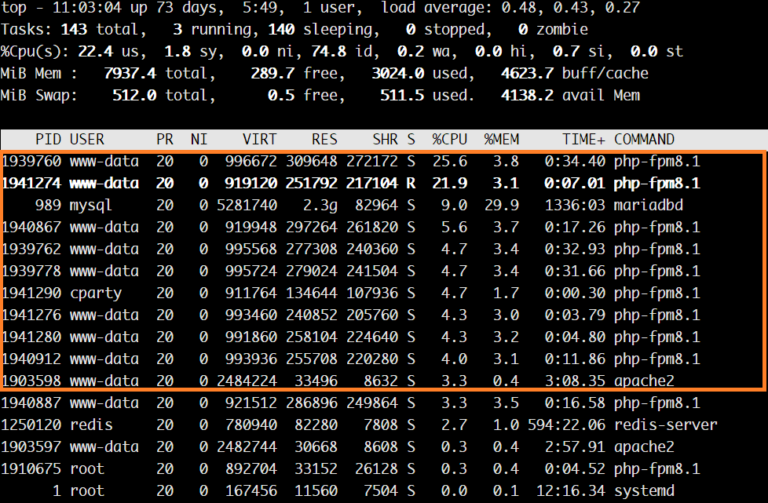
近年來由於 AI 快速發展,AI 爬蟲也愈來愈顯誇張。不管是正規爬蟲還是中國的不講武德的大量亂爬。對於那種小型的 WordPress 網站造成大量的資源損耗。三不五時 CPU 飆高。網站因為吃資源太多被鎖。這篇文章教你幾種簡單快速方式阻擋爬蟲。
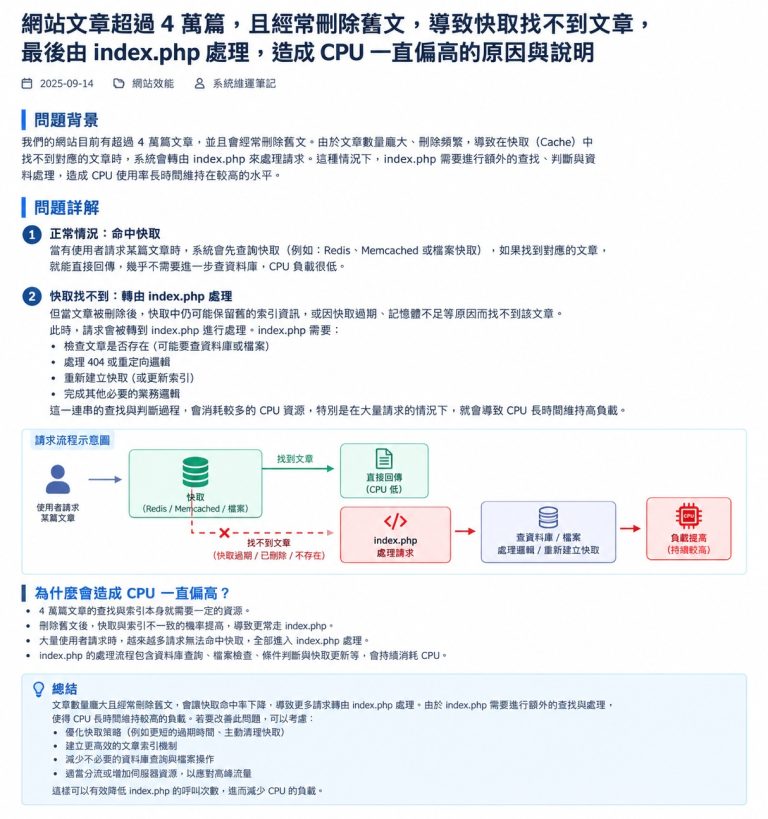
為何按裝了快取外掛 CPU 還是飆高
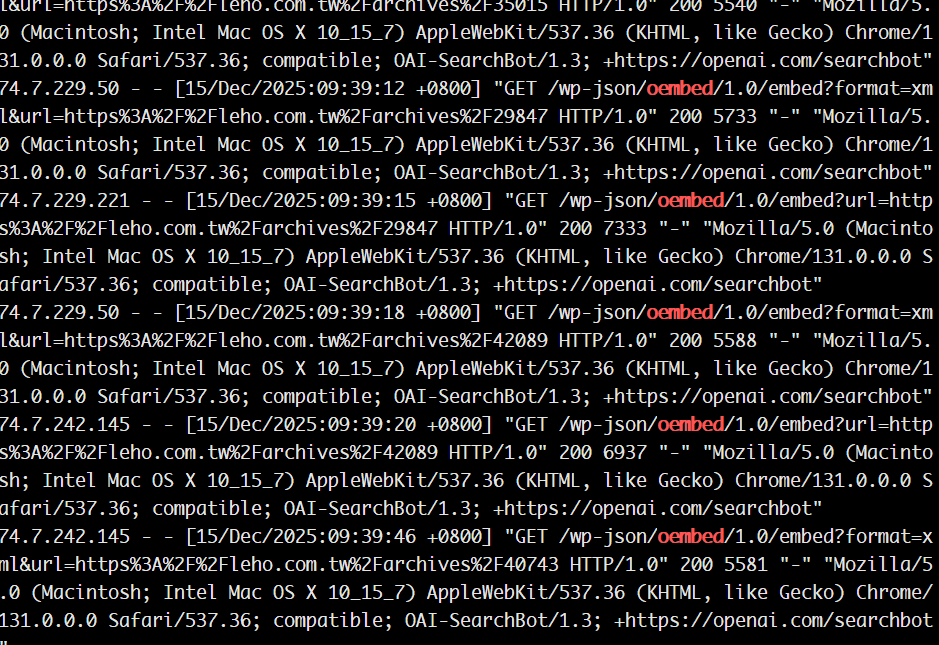
這些都會即時執行 PHP 程式作回應。也就會造成大量的 php 的 process 出現。除了回應變慢之外也有可能造成系統資源吃光短暫網站會連不上線,尤其是那些 5-12 美元每月的便宜主機。
解決方案一: 使用 robots.txt 擋 AI 爬蟲
User-agent: GPTBot
Disallow: /

User-agent: ChatGPT-User
Disallow: /

User-agent: OpenAI
Disallow: /

User-agent: CCBot
Disallow: /

User-agent: ClaudeBot
Disallow: /

User-agent: anthropic-ai
Disallow: /

User-agent: Google-Extended
Disallow: /

User-agent: PerplexityBot
Disallow: /

User-agent: Amazonbot
Disallow: /

User-agent: Applebot-Extended
Disallow: /

User-agent: Bytespider
Disallow: /

User-agent: YandexAI
Disallow: /

User-agent: Meta-ExternalAgent
Disallow: /

User-agent: Meta-ExternalFetcher
Disallow: /

# 預設允許一般搜尋引擎
User-agent: *
Allow: /
解決方案二: 使用 .htaccess 擋 AI 爬蟲
<IfModule mod_rewrite.c>
RewriteEngine On
RewriteCond %{HTTP_USER_AGENT} (GPTBot|ChatGPT-User|ClaudeBot|CCBot|PerplexityBot|Bytespider|anthropic-ai|Google-Extended) [NC]
RewriteRule .* - [G,L]
</IfModule>
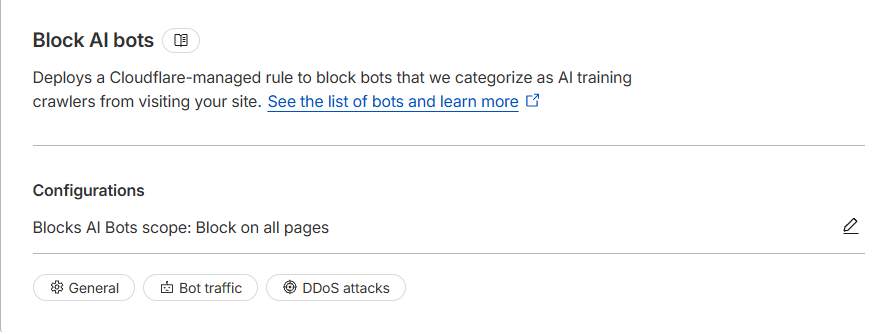
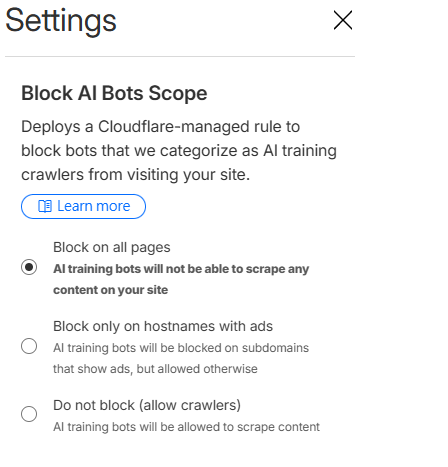
解決方案三: 使用 Cloudflare
Security Settings -> Settings